Sift
A keyboard-first Mac app for cleaning up a folder of photos fast. Flip through, keep the good shots, delete the rest.
The idea
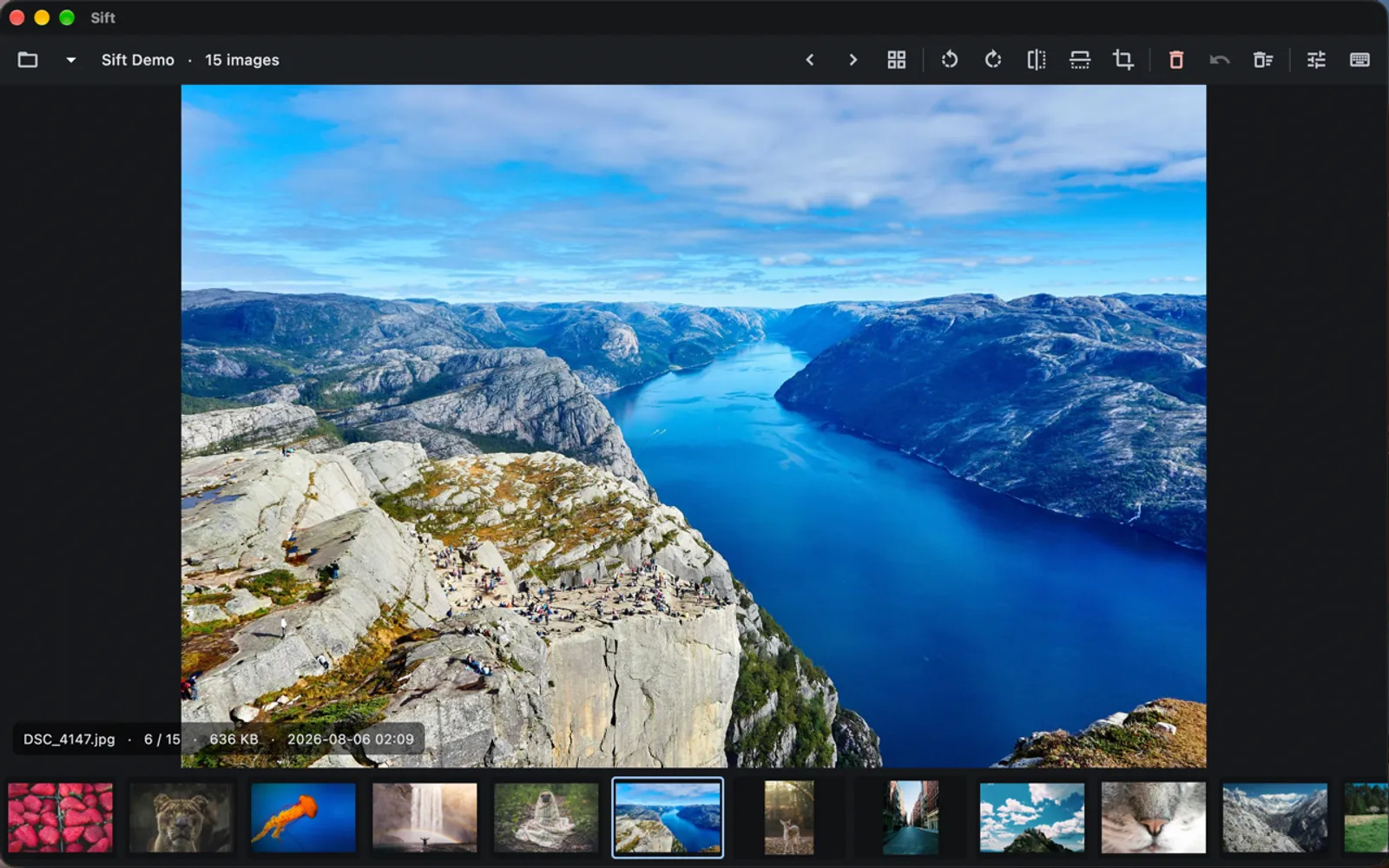
Open a folder, flip through it one image at a time, keep the good shots and delete the rest. Sift is built for the keyboard, so you can get through hundreds of photos in minutes without reaching for the mouse.
One key for everything
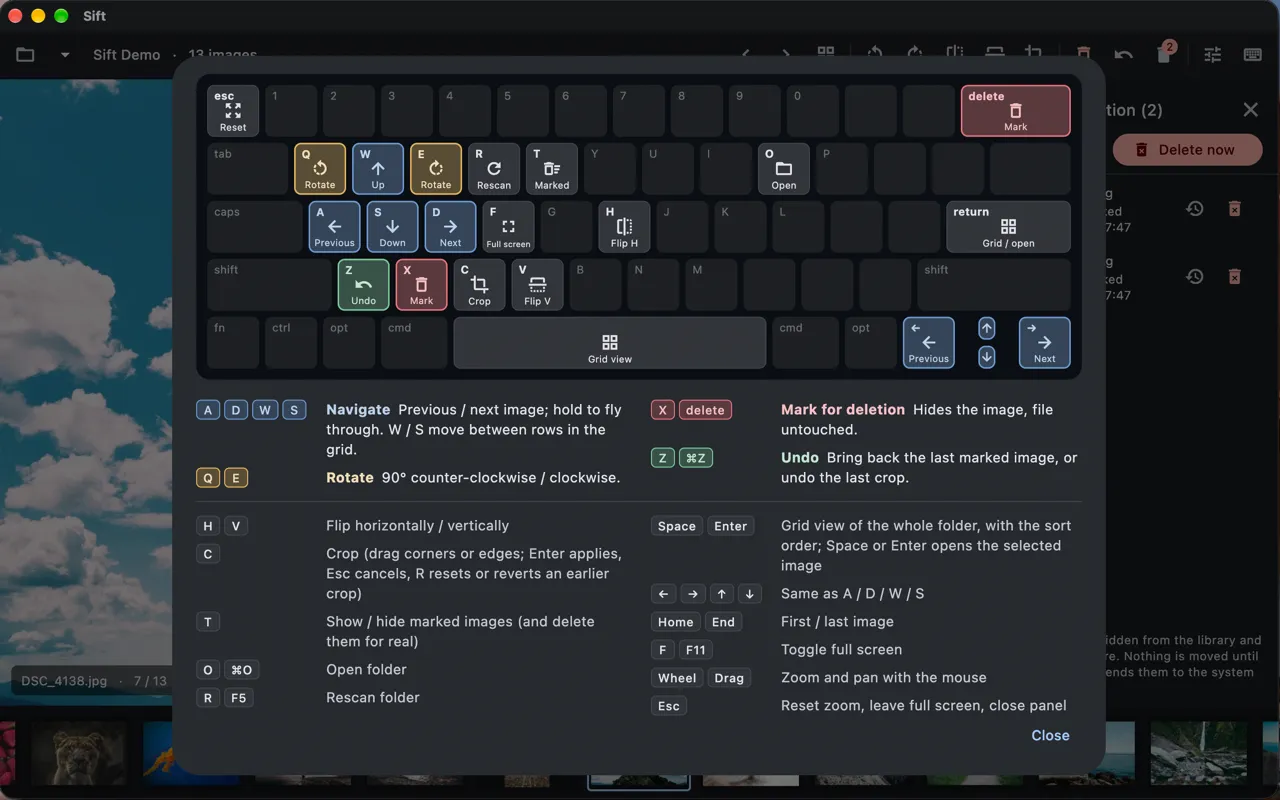
- A / D or the arrow keys move to the previous and next photo. Hold to fly through.
- X or Delete marks a photo for deletion, and Z brings it back.
- Q / E rotate, H / V flip, C crops.
- ? shows every shortcut on a picture of the keyboard.
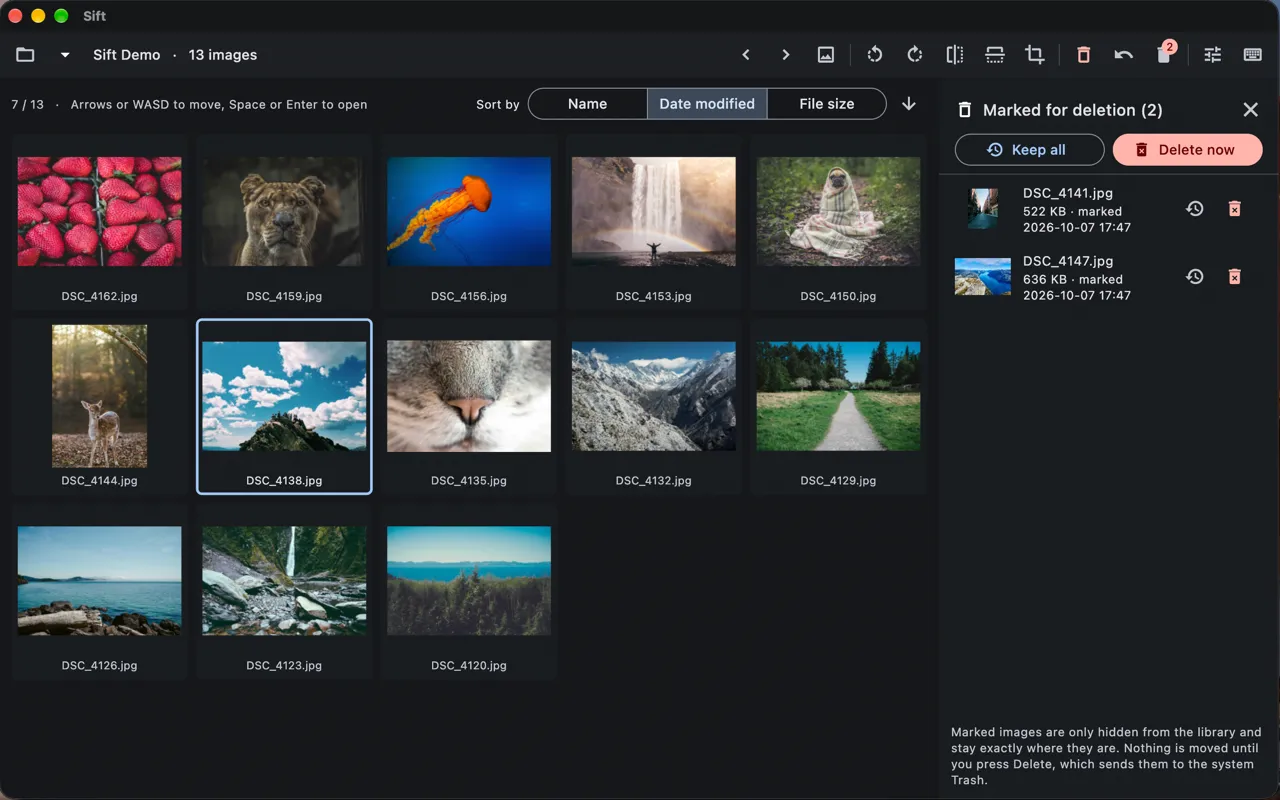
Press Space for a grid of the whole folder, move around with the arrow keys or WASD, and press Space again to open a photo. Sort by date, name or file size.
Nothing is lost by accident
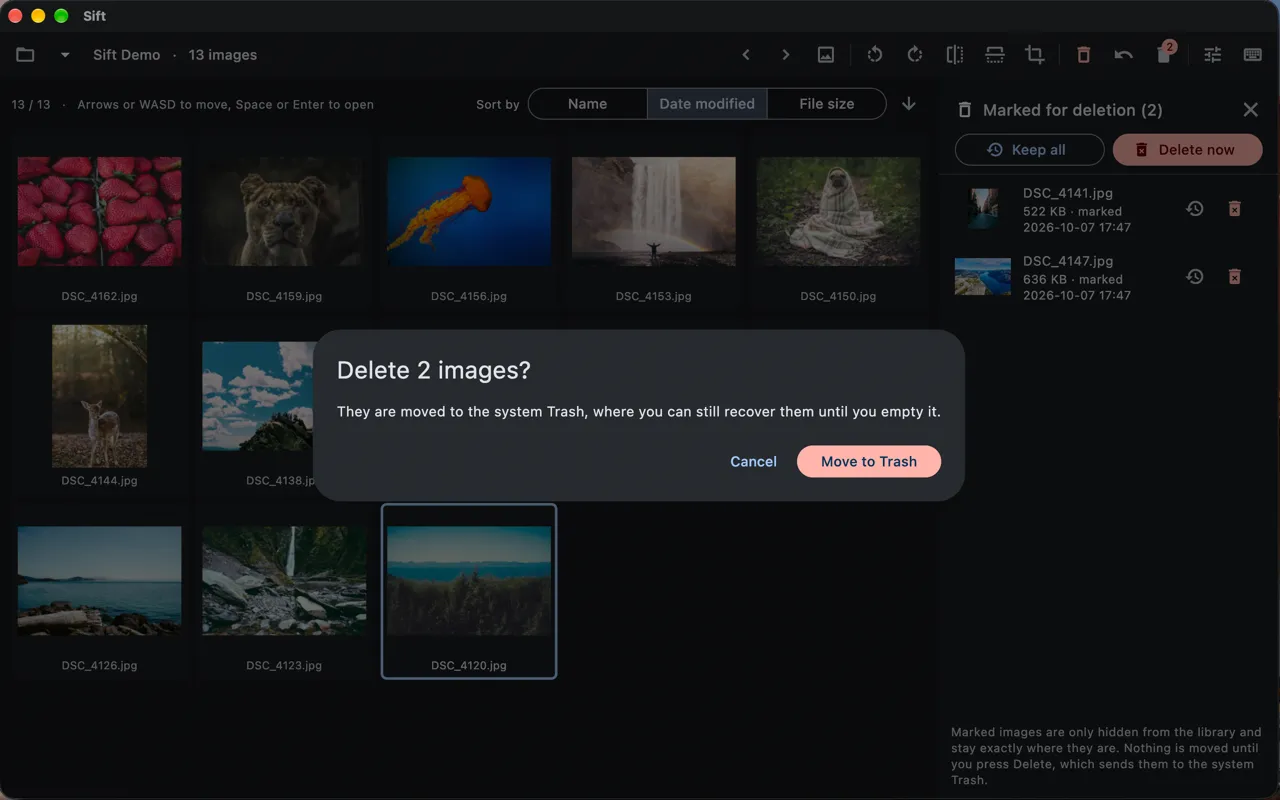
Marking a photo only hides it; the file isn’t touched. When you’re done, you review everything you marked and send it to the Trash in one go, and Put Back in Finder still works if you change your mind. Rotations save automatically and are lossless for JPEG and iPhone (HEIC) photos.
Details
- Works on folders of images on your Mac or an external drive: HEIC, JPEG, PNG, TIFF, GIF and WebP
- No account, no internet connection, no tracking. Your photos never leave your Mac.
Available for Mac.